Easy Control Basic & Enhanced
See how Basic and Enhanced connect cell data, guide setup and support ProFeeder machine tending workflows.
Easy Control / Basic + Enhanced
Less setup. More production.
Fast, simple, repeatable setups for your EasyRobotics AirLock cell.
Easy Control is CNC machine tending software built around the EasyRobotics AirLock family. It brings cell data, tray coordinates and workflow control into a clear setup for your production.
Choose Basic to keep your robot program in command, with cell data connected through Modbus TCP. Choose Enhanced when you want an industrial PC to lead the workflow using visual recipes, automatic coordinates and guided automation.
Both editions work with all EasyRobotics AirLock products and have no software subscription. The choice is how you want to configure and manage your machine tending workflow.
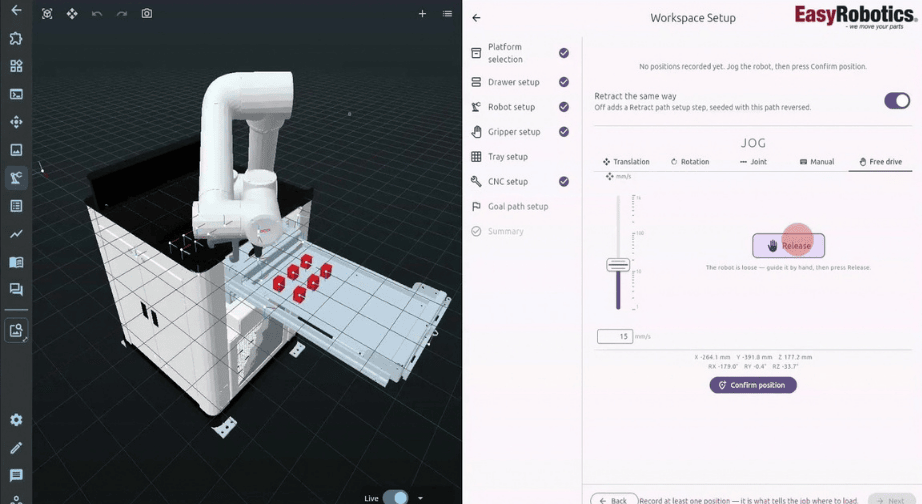
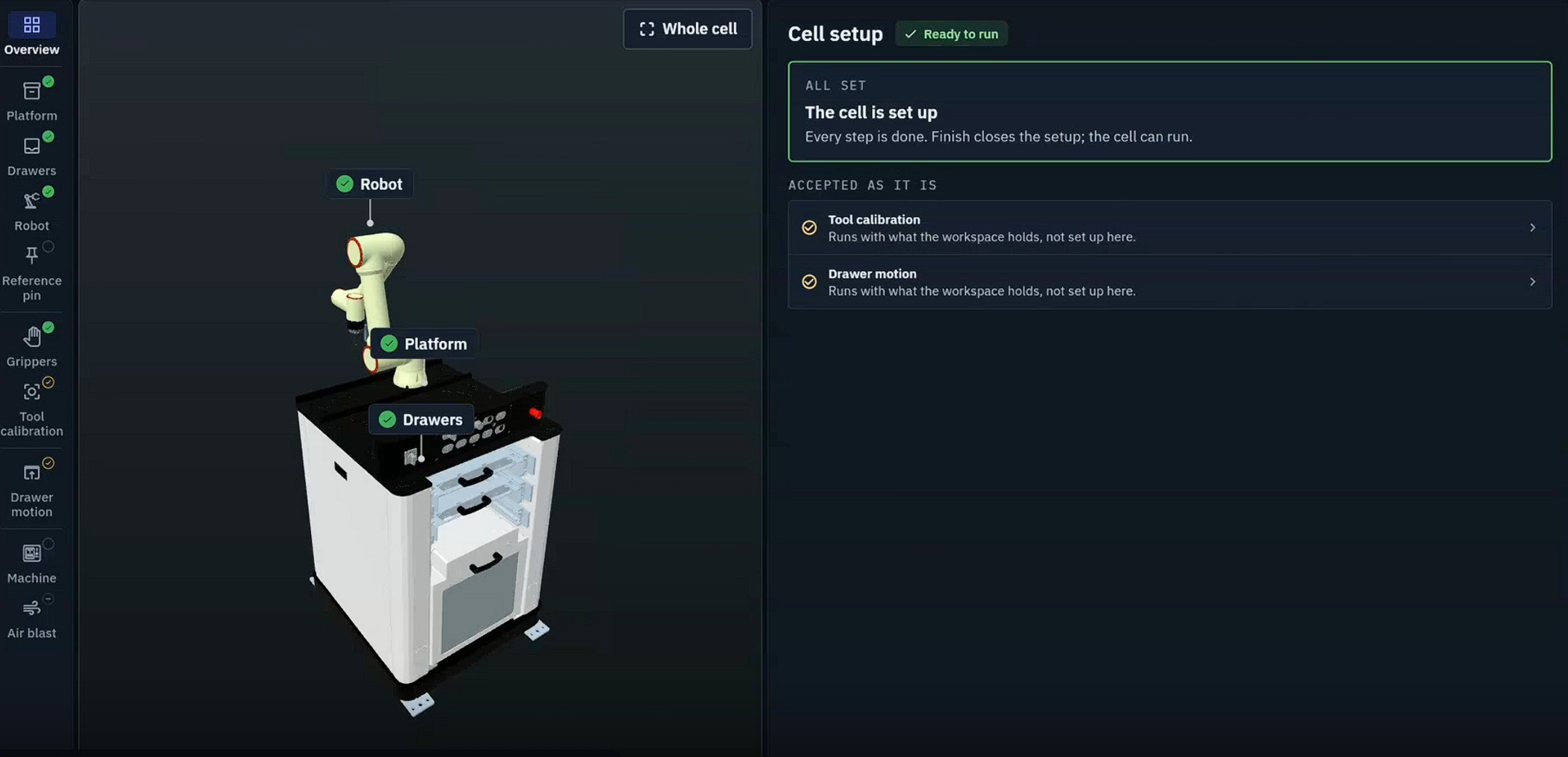
Explore the full Easy Control demonstration, or watch a quick overview of the Enhanced operator workflow.
See how Basic and Enhanced connect cell data, guide setup and support ProFeeder machine tending workflows.
Keep your robot program in charge, or bring the workflow into central software control. Select the edition that matches how your team wants to work.
Gateway Edition
The robot controller stays in command. Connect cell data to your native robot program through Modbus TCP.
Use coordinates for your robot program and manage changeovers in your robot application. Your custom robot programming defines the workflow.
Brain Edition
The industrial PC leads the workflow. Use visual recipes, jobs, automatic coordinates and guided automation.
Build no-code workflows with prebuilt skills, review the cell in integrated simulation and guide operators through inlay changes and confirmations.
Swipe or scroll horizontally to view all columns.
| What changes | Basic | Enhanced |
|---|---|---|
| Who is in command? | Robot controller | Industrial PC (IPC) |
| Motion execution | Native robot programs | Commands sent to robot controller |
| Parts, grids and trays | Coordinates for your robot program | Visual recipes, jobs and automatic coordinates |
| Workflow approach | Custom robot programming | No-code workflows and prebuilt skills |
| Changeovers | Managed in your robot application | Guided inlays and operator confirmation |
| Simulation | Your chosen robot workflow | Integrated simulation and visualisation |
| Software subscription | None | None |
Both editions: all EasyRobotics AirLock products. No software subscription.
ENHANCED / WITH AUTO-MATE ROBOTICS
Together with our partner Auto-Mate Robotics, we offer Enhanced: intuitive visual programming for robots and connected components, activated by passcode.
of common manufacturing tasks covered by pre-programmed skills.
Create and adapt applications quickly, without writing complex lines of code. Reuse proven skills across a wide range of tasks.
Your team can make adjustments independently, reducing reliance on external integrators, saving time and helping control costs.
Enhanced / The operator workflow
Put parts, trays, robot and CNC signals into one visual workflow.
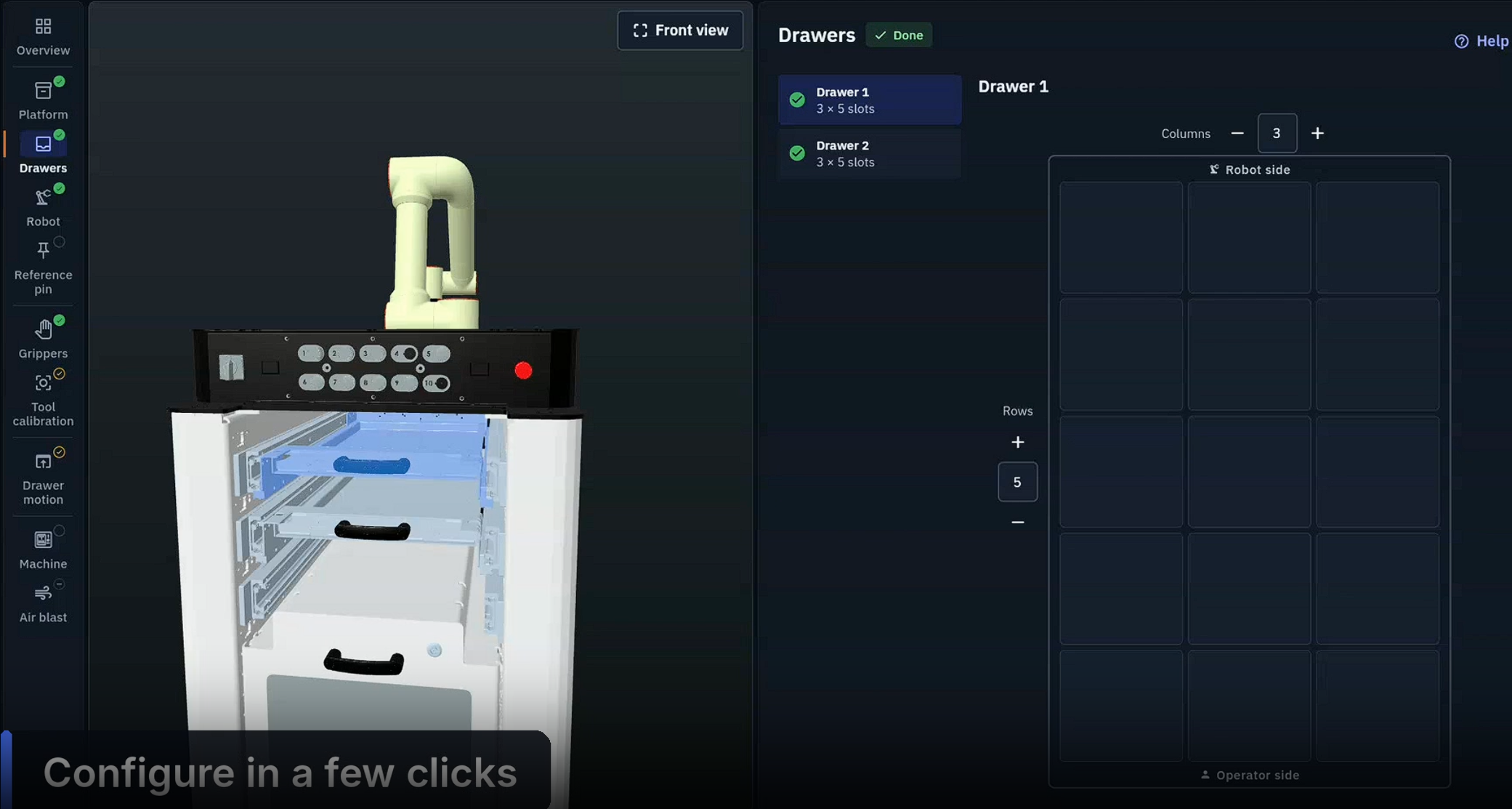
Manage parts, grids and trays through visual recipes and jobs. Generate coordinates automatically.
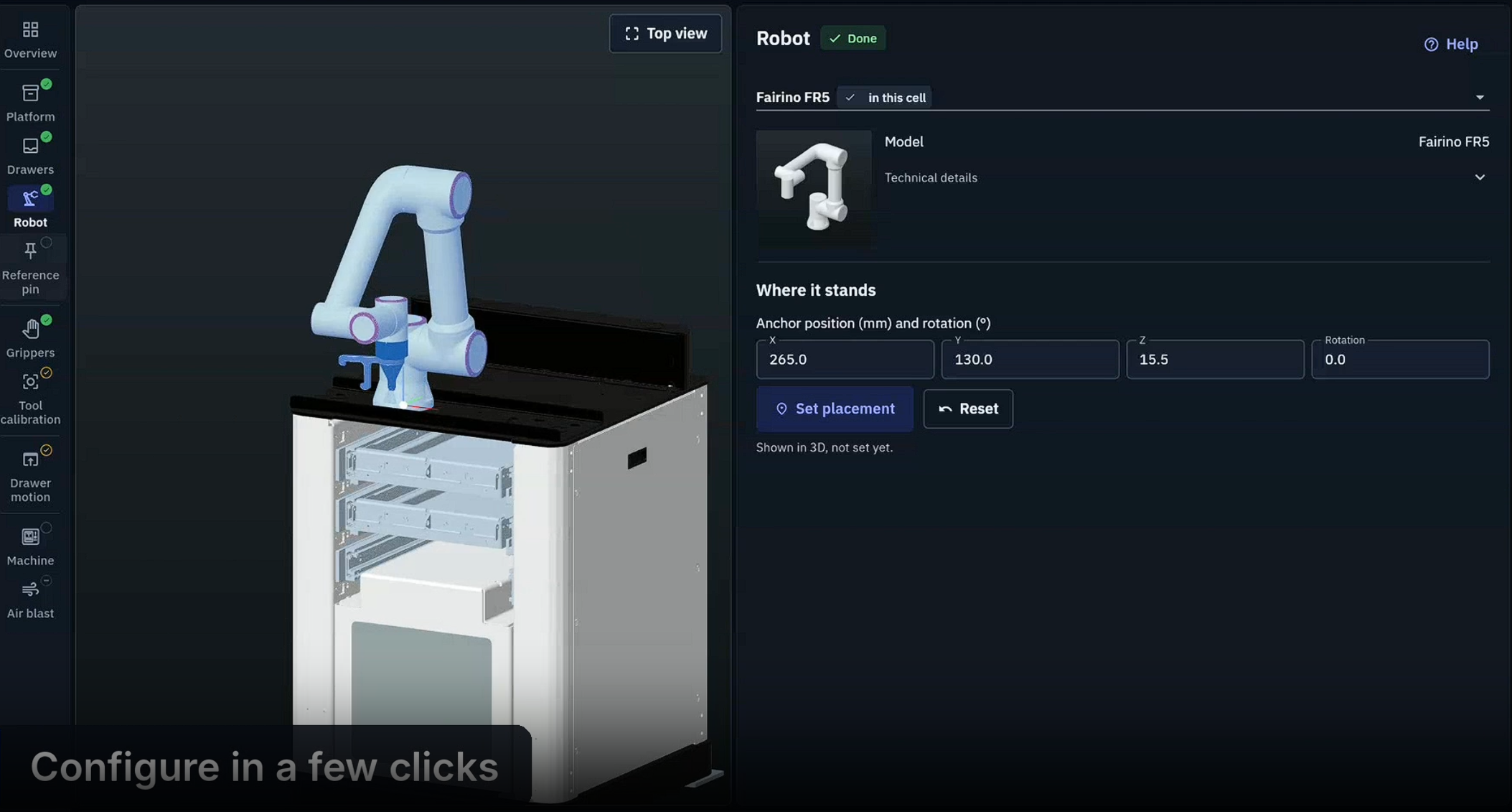
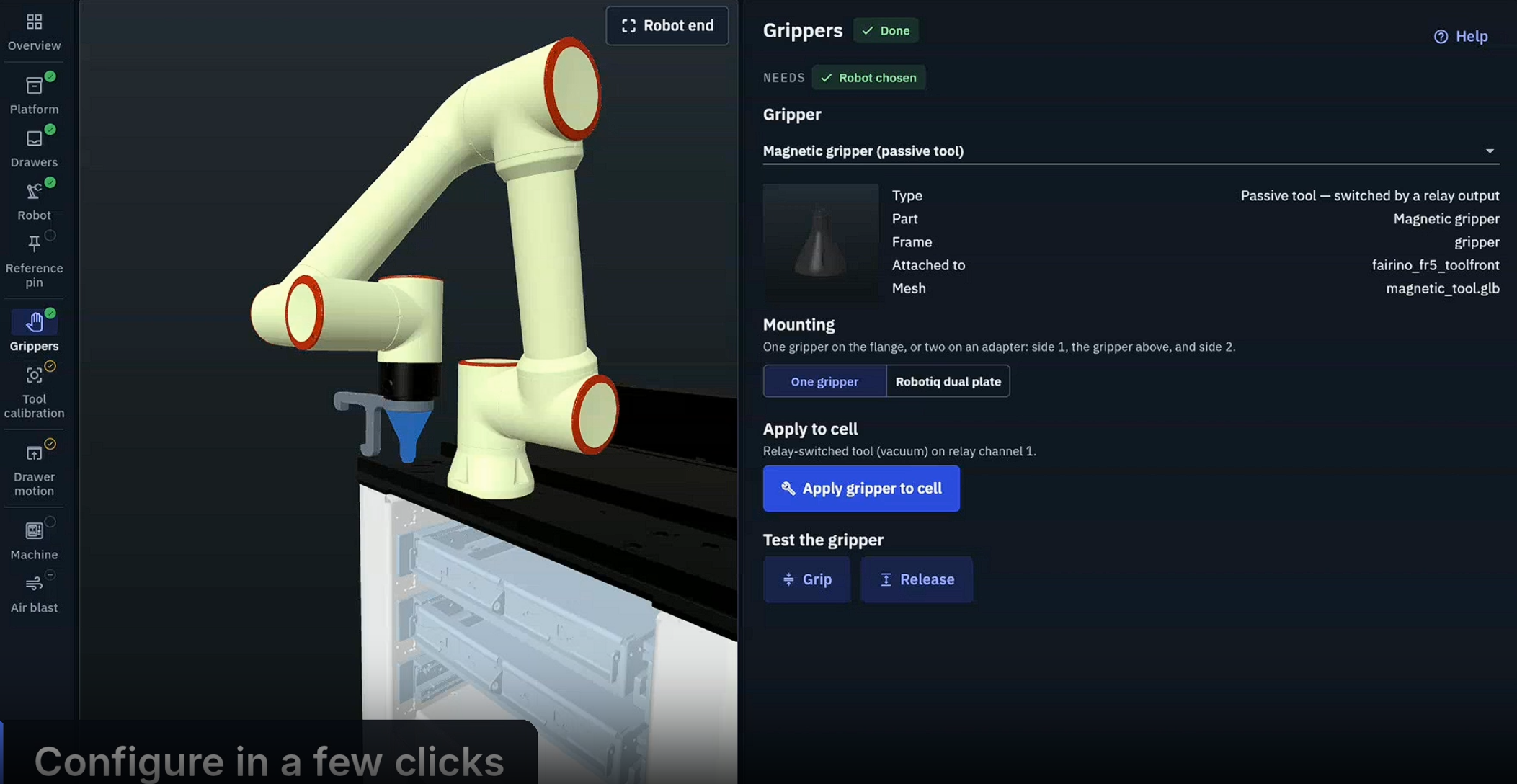
Use a visual cell view and prebuilt manufacturing skills to review and adapt the workflow.
Guide inlay changes and operator confirmations. Coordinate CNC door, chuck and start/stop signals.
Extend the workflow: configured cameras and sensors can support component recognition, quality control and pick-and-place.
Basic + Enhanced
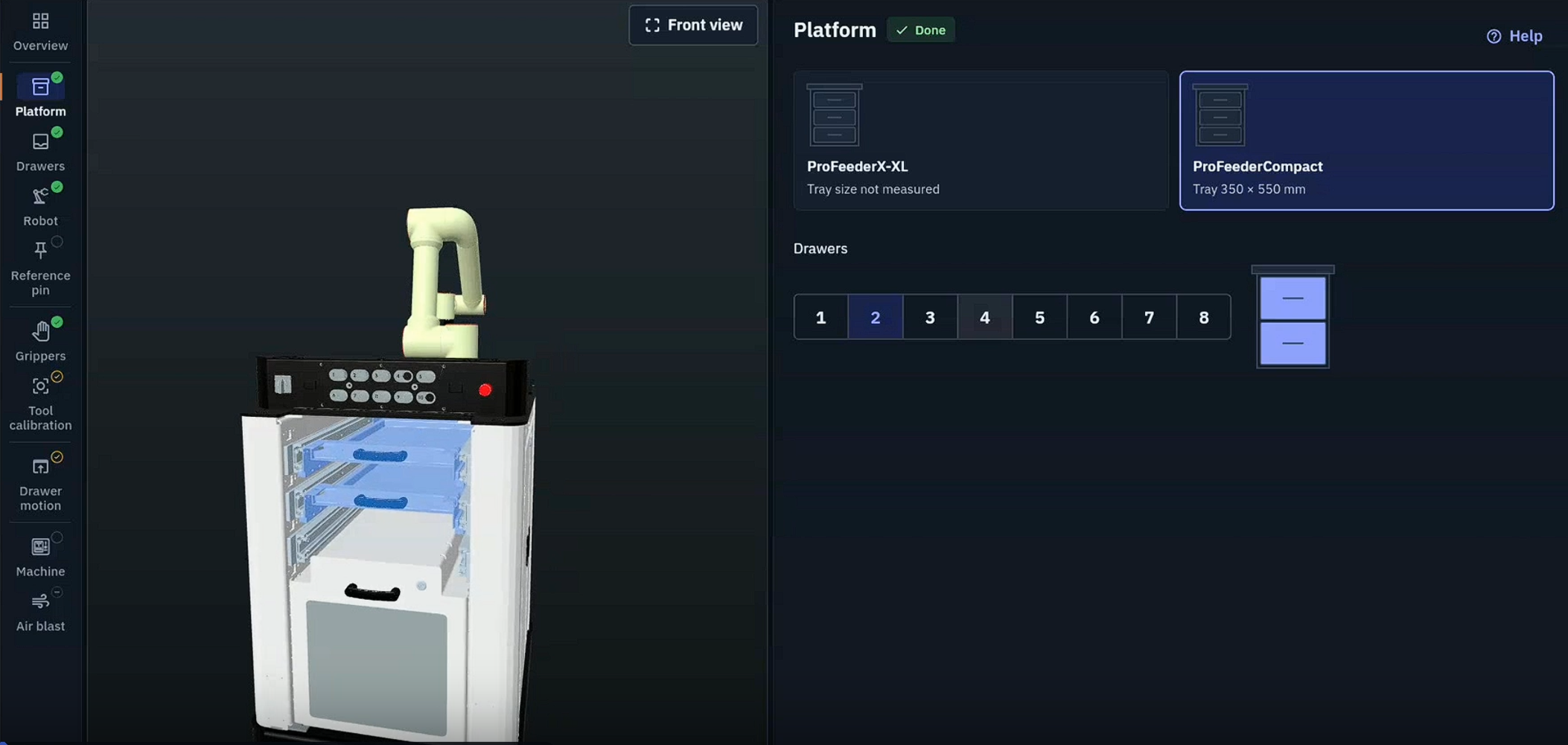
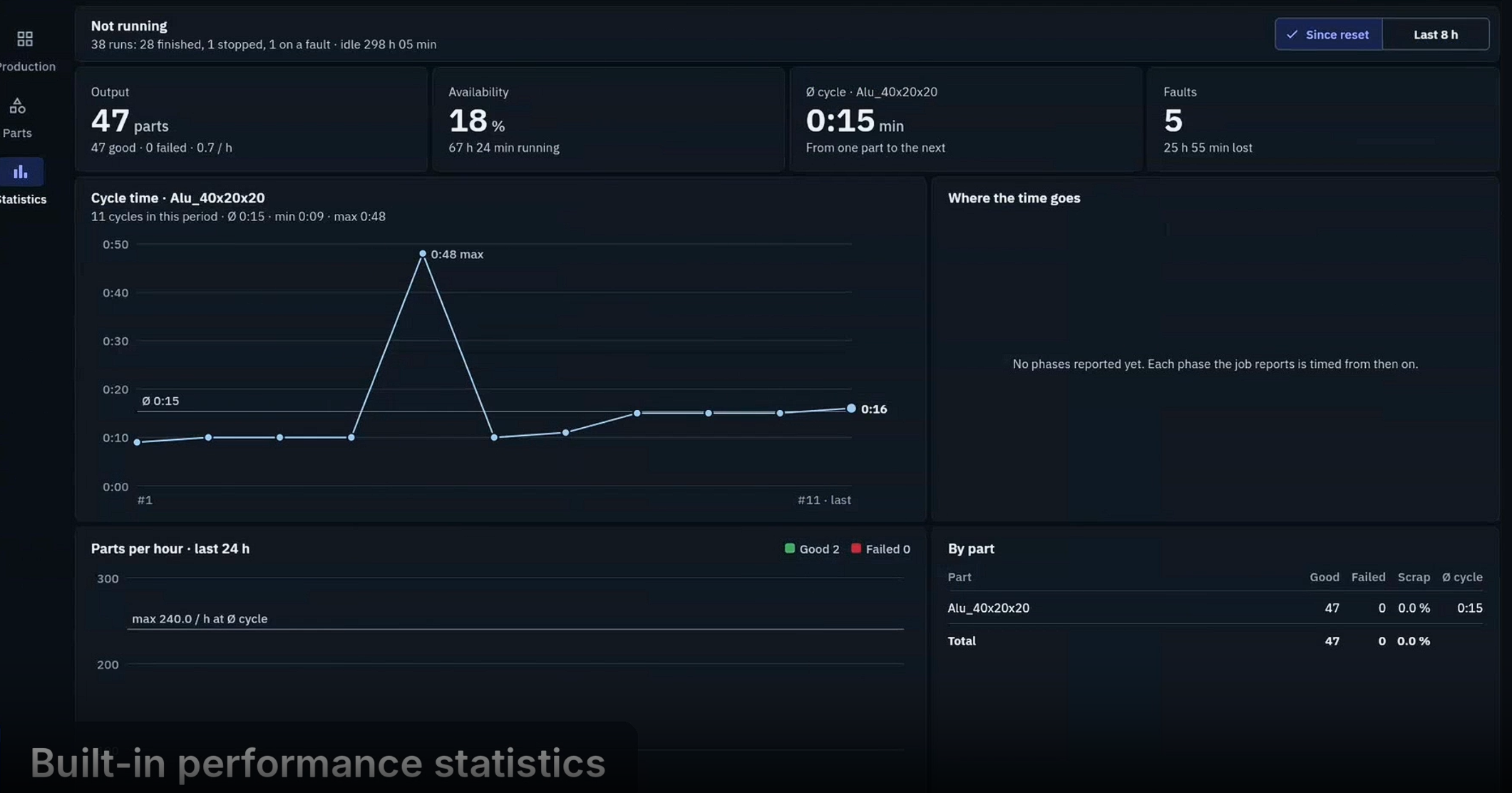
See drawer, tray and lock status with shared cell visibility and precise tray coordinates.
Basic
Connect cell data through Modbus TCP and continue using native robot programs for motion execution.
Enhanced
Manage parts, grids and trays visually, with automatically generated coordinates.
Enhanced
Review and adapt the workflow using a visual cell view and prebuilt manufacturing skills.
Enhanced
Support inlay changes with operator confirmation and coordinate the CNC signals in your workflow.
Basic + Enhanced
Choose the edition that fits your production. Both Basic and Enhanced are subscription-free software.
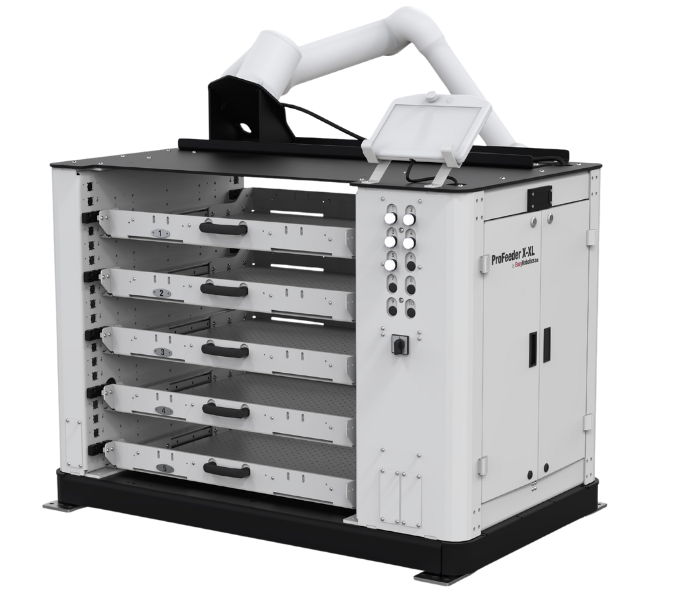
Basic and Enhanced work with all EasyRobotics AirLock products. Choose the cell that fits your production. Selected AirLock configurations are shown below.
Supported robot brands
Basic connectivity via Modbus TCP. Other robot brands are available on request.
AirLock configuration
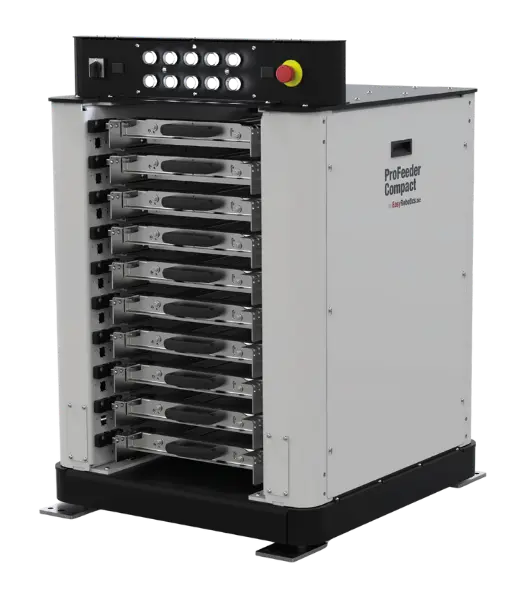
Compact tray automation
AirLock configuration
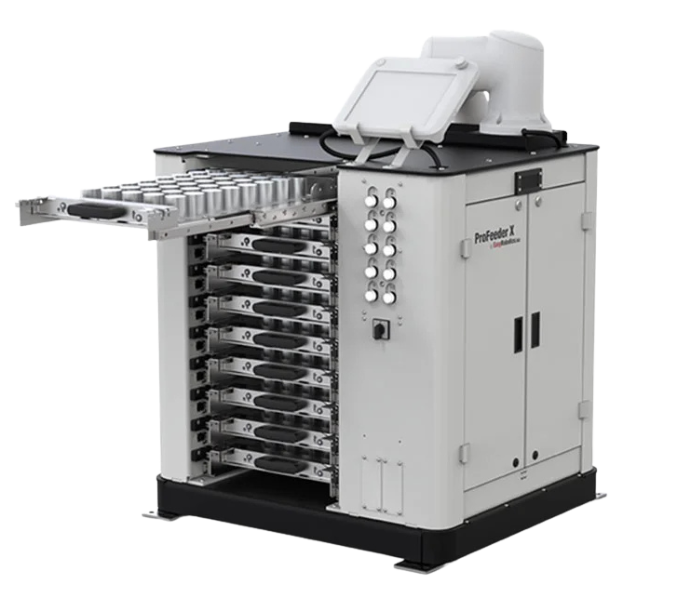
Robot and trays in one cell
AirLock configuration
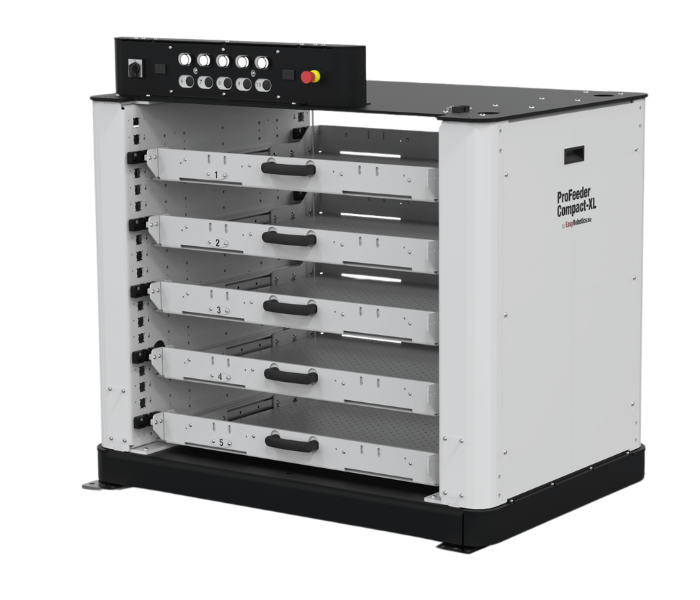
More room for your parts
AirLock configuration
A larger integrated platform
Shared cell visibility and precise tray coordinates across the AirLock family.
Easy Control is CNC machine tending software for EasyRobotics AirLock products. It is available as Basic, which keeps the robot controller in command, and Enhanced, which uses an industrial PC to lead the workflow.
No. Both Easy Control Basic and Easy Control Enhanced are subscription-free software.
Basic connects cell data to your native robot program through Modbus TCP. Enhanced brings the workflow into central software control with visual recipes, automatic coordinates, no-code workflows, prebuilt skills and integrated simulation.
Both editions work with all EasyRobotics AirLock products. The brochure shows AirLock configurations of ProFeeder Compact, ProFeeder X, ProFeeder Compact XL and ProFeeder X-XL.
The supported brands listed in the brochure are Universal Robots, DOBOT, FANUC, KUKA and ABB. Basic connectivity is via Modbus TCP. Other robot brands are available on request.
Configured cameras and sensors can extend the Enhanced workflow to support component recognition, quality control and pick-and-place.
Tell us your requirement and our automation specialists will get back to you within 24 hours.